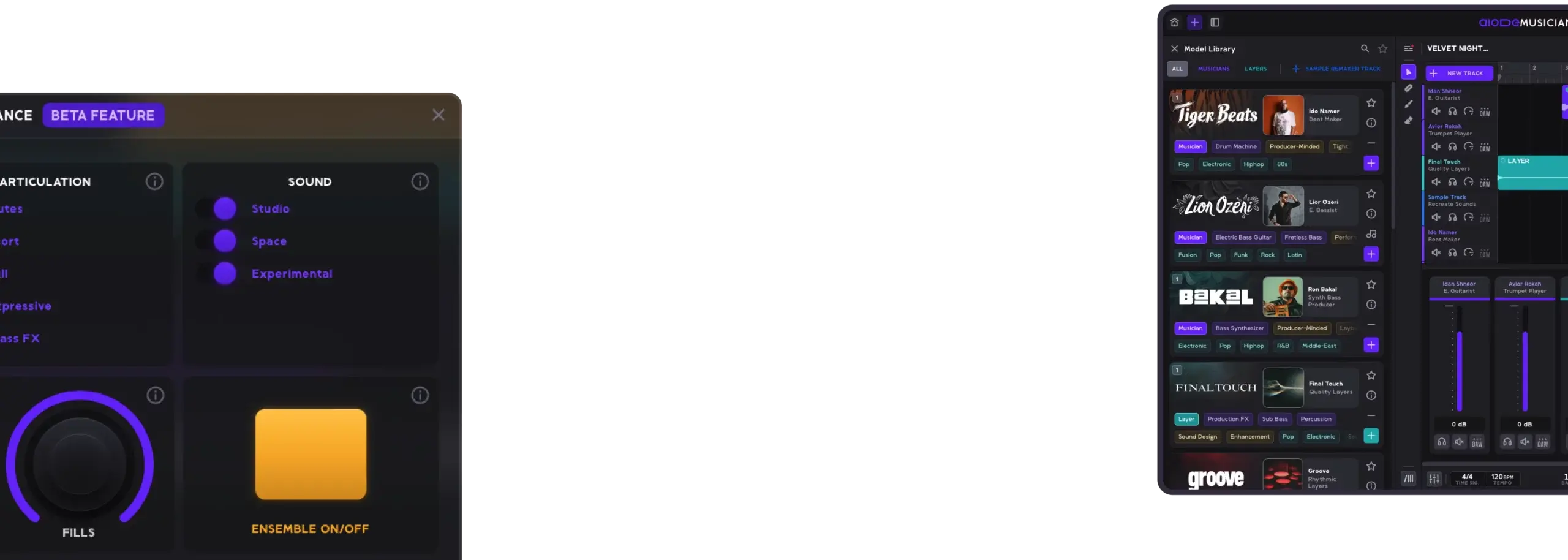
Discover Seamless Music Creation Exporting Customizable Stems Directly to Your DAW
Unlock the full potential of AIODE with our native desktop apps – built for seamless integration with your DAW of choice
Relaunching Soon
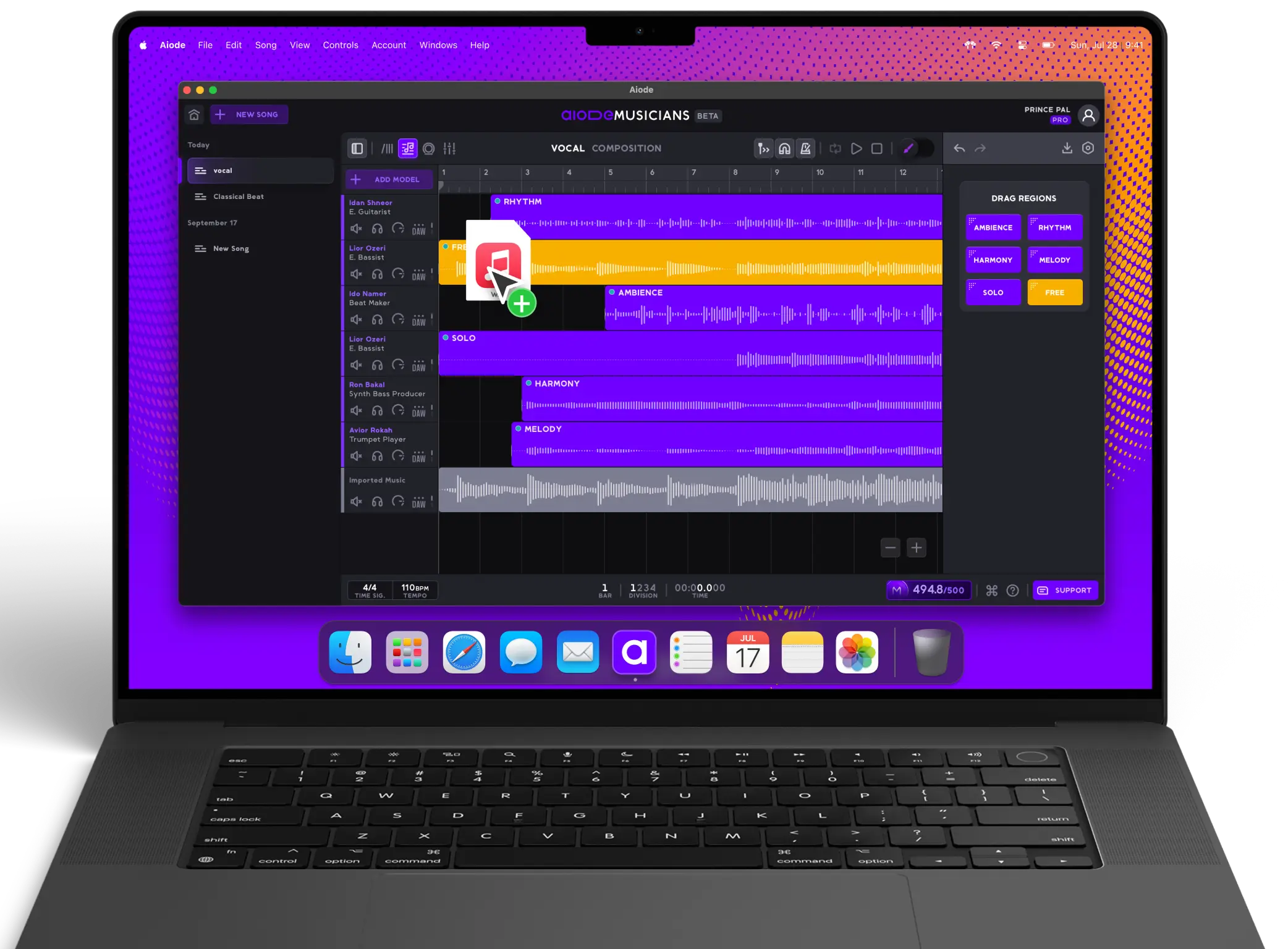
Set Up in Three Simple Steps
Get started with Aiode in minutes. Download, install, and let your creativity flow.
Download
Choose your platform — macOS or Windows — and download the installer.
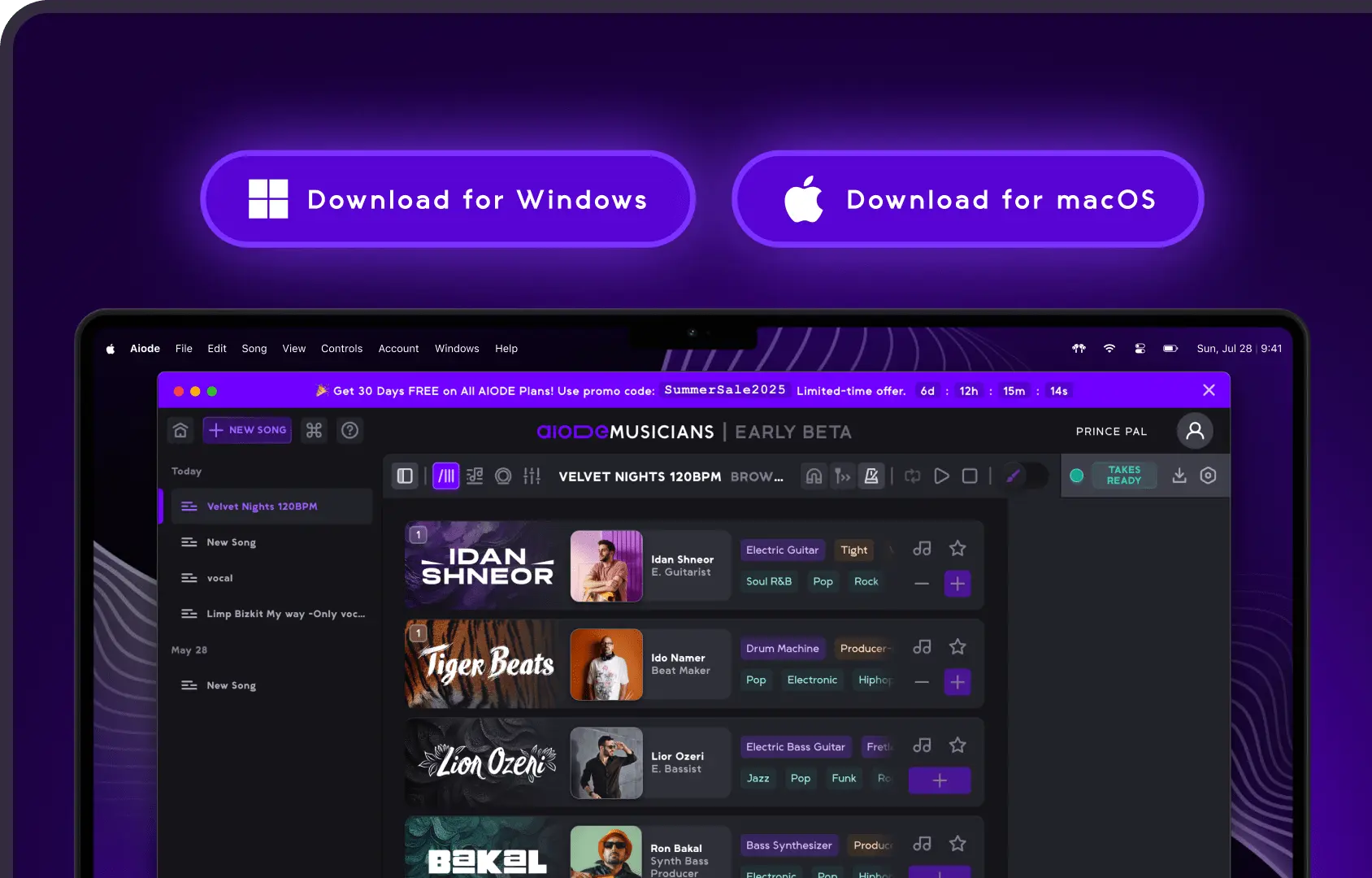
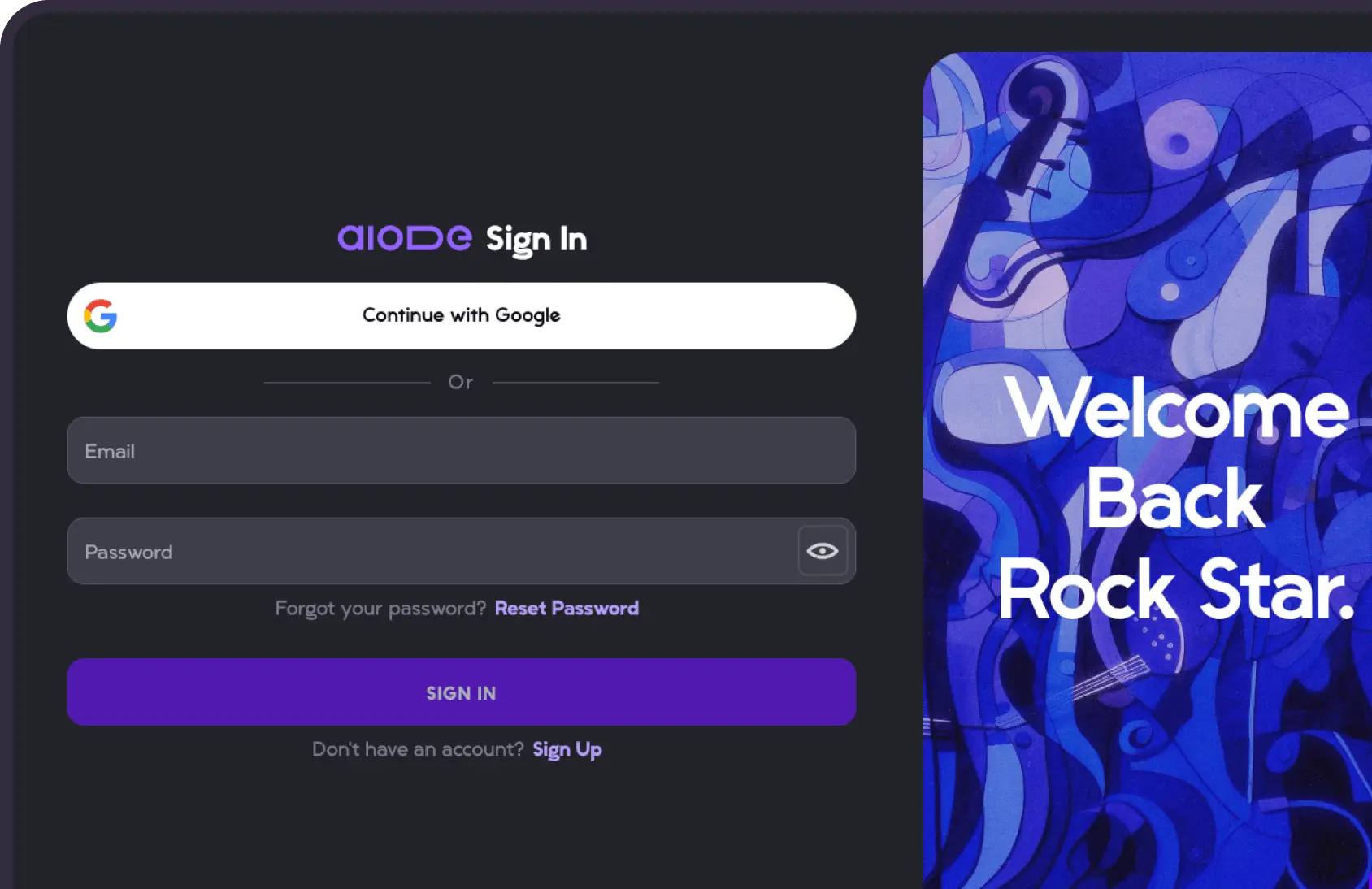
Install & Sign In
Run the installer and log in [or sign-up] using your Aiode account. For existing users, your workspace, projects and sound libraries are automatically synced.
Create & Explore
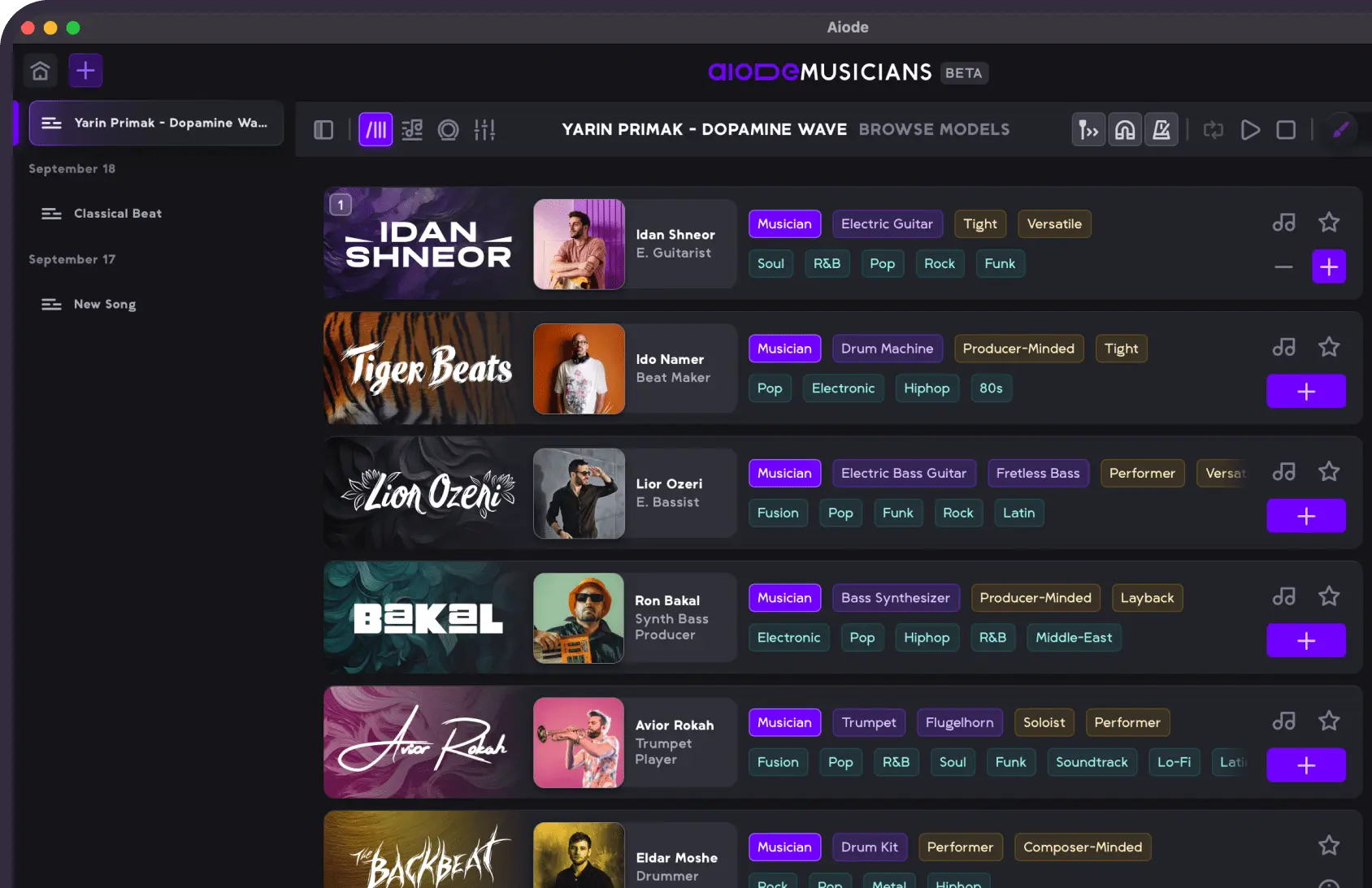
Open Aiode and start producing. Access our full suite of AI tools to generate the best stems and layers for your project.
System Requirements
Aiode is designed to deliver smooth, real-time performance on both macOS and Windows. For the best experience, make sure your system meets or exceeds the specifications below
Supported browsers (and minimum versions)

Chrome
Chrome 80 or later (released February 2020)

Edge
Edge 80 or later (released February 2020)

Safari
Safari 15 or later (released September 2021 — may work from 14.1, April 2021)

Windows
- Supported OS
- Windows 10 (64-bit) or newer
- Processor
- Intel® Core™ i5 or AMD Ryzen 5 equivalent
- Memory
- 8 GB RAM minimum (16 GB recommended for large sessions)
- Internet
- Internet is required at all times

macOS
- Supported OS
- MacOS Sonoma or Previous Ver. (12 to 15+)
- Processor
- Intel® Core™ i5 or Apple Silicon (M1/M2/M3)
- Memory
- 8 GB RAM minimum (16 GB recommended for large sessions)
- Internet
- Internet is required at all times
Ready to elevate your music with AI-powered session musicians? Download Aiode and start a free session today.
Relaunching Soon
Trusted by Creators Worldwide
Real producers. Real music. Real results. Hear what artists are saying about Aiode.

“Aiode’s vision is truly transformative, blending real musicianship with cutting-edge AI in a way that pushes the boundaries of creativity. By ethically training their models and ensuring that artists are fairly compensated, Aiode is setting a new standard for the industry. This innovative approach not only preserves the essence of artistry but also empowers creators in exciting, unprecedented ways.”
Andy Davies
Founder @ Diverge, ex VP Innovation Universal Music Group

“Aiode really helped me create unique samples and instrumentation for my projects bringing a more organic element to my electronic productions.“
Stuart Foxwell
Music Producer

“AIODE is a company that doesn’t replace musicians by Ai. This is what got my attention about Aiode and this is why i chose to use Aiode. They also have a discord server with helpful team and remix contests which is pretty nice.”
Ido Berg
Musician & Music Producer

“What I love about Aiode is that it’s both innovative and artist-driven. The virtual musicians are modeled in collaboration with real artists, and everything I create with them is 100% mine. It’s ethical, forward-thinking AI that actually supports musicians and empowers creators.”
Justin Sheriff
Platinum Audio Engineer & Educator

“As a user of Aiode, I’m absolutely loving the experience! The ability to access studio-quality virtual musicians with just a click is incredible and opens up so much creative potential. Aiode strikes the perfect balance, using AI to enhance the process while keeping the artist’s vision front and center. It’s an exciting tool that’s already transforming how I create music!”
Kenny Steele
Rock and Metal Music Creator and Producer

“I really enjoy how smooth and easy is it to create with Aiode! The first awesome thing is that you can use it on browser, so that everyone can have access to it. After that, there are the diverse musicians that you can use for projects, different styles, different vibes and rhythms. Love the interface, how simple and accessible it is.”
Ovidiu Roman
Music Educator and Creator
“Aiode is an innovative tool that truly complements the creative process rather than replacing or undermining it. It feels like a collaborator, not a shortcut, and has become a valuable part of my workflow. A great example of how AI can enhance, not hijack, musical creativity.”
Mondoloop
Lofi Producer and Sample Creator

FAQs
Have more questions about our product? Check out the most frequently asked questions or get in touch with our support
What is Aiode?
Currently in beta, Aiode is an AI-powered digital music studio complete with a comprehensive set of ethically trained and fully-licensed models designed for creative use by professional creators, producers, composers and songwriters. Aiode introduces an innovative way to create high quality stems within seconds that are contextual and compatible with your song or project.
Unlike text-to-song AI generators, Aiode provides audio-to-audio models built around real performances and real musicians. Each model is trained using fully-licensed recordings created in collaboration with professional session musicians, capturing both the sound and musical behavior of the performer. This allows creators to work with authentic musical performances rather than synthetic approximations. All musicians who contribute to creating our music AI models are remunerated through a revenue share from the paid subscription tokens used on their model, making Aiode one of the only platforms where musicians directly participate in the value generated by AI.
Aiode looks and feels like a traditional DAW and, with the use of the desktop app, users can connect to any DAW to create a seamless workflow, allowing artist to generate, edit, and export stems directly into their preferred production environment.
What Type of AI Music models can I find in Aiode?
Aiode currently includes three types of models you can work with.
1. Musicians — Real session musicians modeled on different instruments and styles. They can be directed using the Region Type option when stretching a region or by opening the Performance page.
2. Layers — Layers are production assistance models built as curated groups of musicians designed for a specific production need, from an orchestral Layer (Cinematic) to percussion Layer (Groove) and electronic rhythm and vibe (Pixel).
3. Sample Remaker — Sample Remaker, the newest addition to Aiode Beta, allows you to reconstruct any sound in the world into a sample that fits your project effortlessly.
How do I start creating with Aiode?
Simply signup to the beta product to create your own Aiode Beta account. All users receive a Free plan subscription upon registration, with no credit card required.
The Free plan allows you to experiment with all the models in a limited setting and without a commercial license.
After opening a project, you can start from scratch or import a track you are working on. Set the tempo and BPM, choose a Musician, Layer, or Sample Remaker, and start stretching your chosen region for each model to build your arrangement.
Continue generating and refining takes using the editing tools, generate additional takes for the same region, or change the directions through the Performance page.
Read the detailed guide for Aiode Beta best practices, tips, and tricks.
Can I use Aiode for commercial use and monetization?
Yes. Aiode offers two paid plans that include a commercial license, Basic subscription and Pro subscription, available on either a monthly or annual basis. These plans allow creators to use the music generated with Aiode for any commercial use.
Aiode Beta is designed as a professional music studio for artists and creators who want to manage and control their session workflow. It allows producers, songwriters, and composers to generate and shape individual musical parts that integrate directly into their production process.
All music created with Aiode Beta is owned by the user who created the account. This means you can release, distribute, and monetize your music created with Aiode, through distribution platforms and DSPs, as well as use it in commercial productions such as albums, film, television, advertising, and digital content.
Is Aiode really ethical?
Yes. One hundred percent of the audio used to train Aiode's models is licensed and traceable to its source — audio created by professional musicians and producers, along with other audio licensed for training. Every individual musician model is built in partnership with the musician, under their direction.
Musicians share in the value their models create. Every token used in a paid subscription on a musician model is split with the musicians behind it, so the artists who power Aiode are compensated whenever their models are used.
What are musician models, and are they realistic enough for real production?
Musician models are created in partnership with experienced session musicians. Aiode works with each musician individually to define the control settings, sounds, and capabilities available in their model.
During the modeling process, both the musician's audio and their performance behavior on their chosen instruments are captured — under their direction, so the model stays true to how they actually play.
The result is realistic enough for professional production: real performances, not synthetic approximations, exported as high-quality stems ready for your session.
Aiode is always looking for talented musicians to partner with. If you're interested, see our Get in touch contact form.
Can I export stems and drag them into a normal DAW workflow?
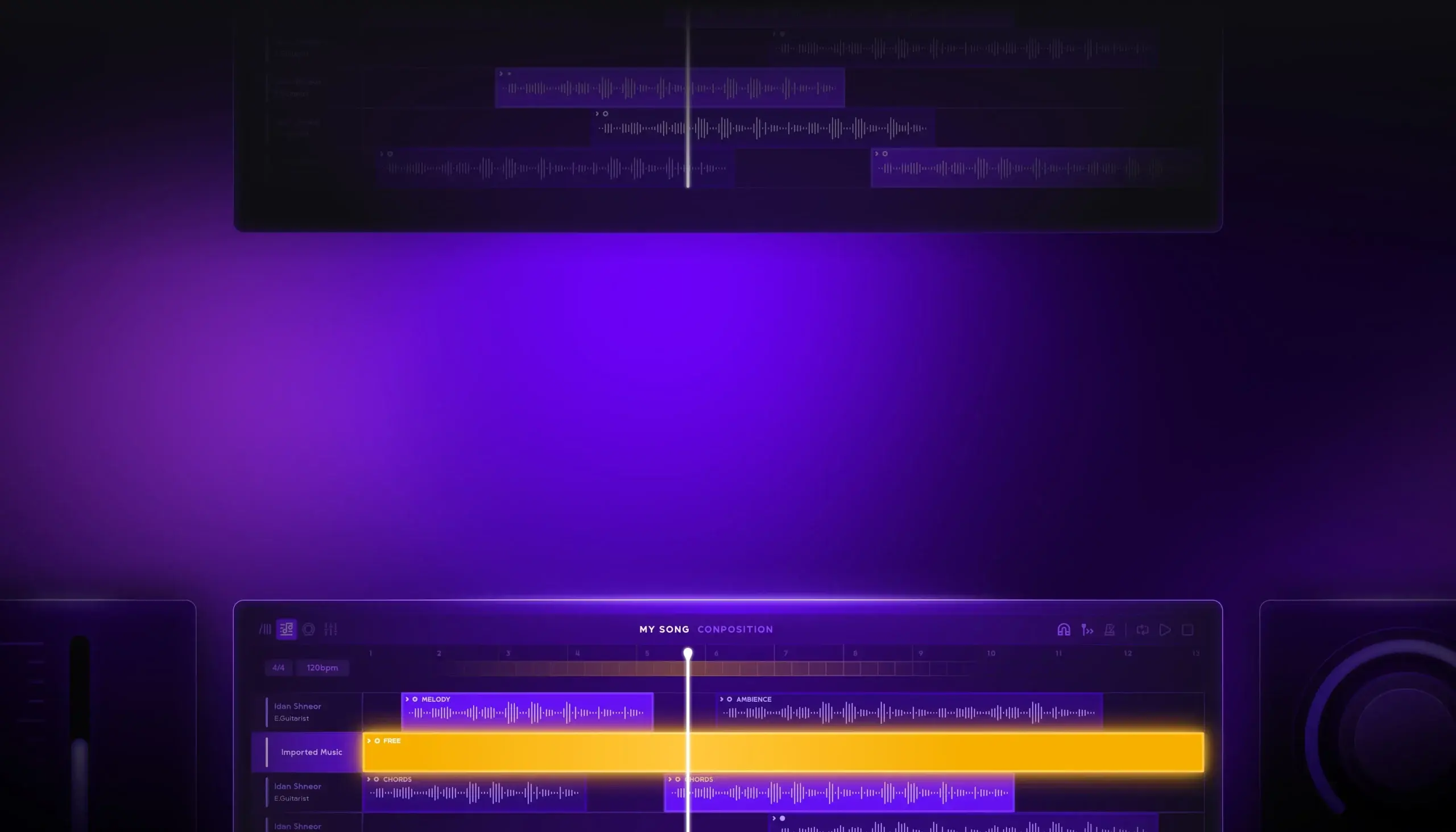
Yes. When using Aiode’s desktop app you can import stems as different audio tracks through drag and drop or export regions as a single stem, all the projects stems or the entire project with a drag and drop capability directly to any DAW.
Download the Aiode desktop app to have the best and most professional workflow.
How do I cancel my subscription?
You may cancel your subscription through Stripe – accessible through your “Account Settings” menu, found at the top right corner of Aiode’s Beta platform.
Is Aiode free to use?
Yes, even in the beta phase, Aiode has a Free limited subscription plan that every user gets when they complete their registration and account creation. The Free plan is designed to give creators the option to try out the models in our scaled-down DAW. Note that the Free plan is limited both in commercial use, functionality and commercial licensing. For more information please see our pricing page.
Am I the Owner of My Generated Tracks?
Absolutely!
Even during the beta phase, all the audio you create using Aiode’s tools remains entirely yours. We respect your creative work and are committed to ensuring that your compositions, beats, and experimental soundscapes belong solely to you. For complete details on rights and usage, please take a moment to review our Terms of Service.